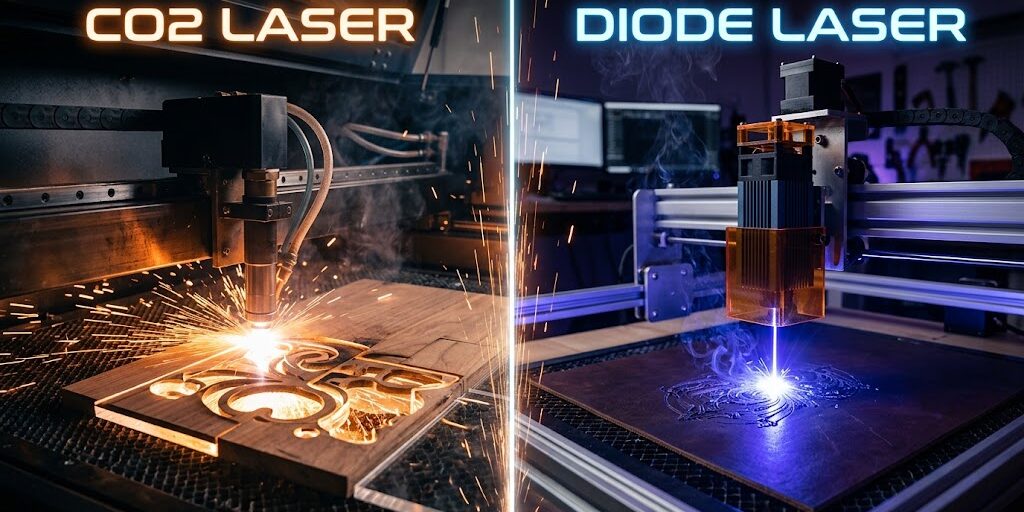
If you want to begin laser engraving or cutting, you’ve likely realized there isn’t just one laser. Additionally, as you browse communities like the Laser Engraving Subreddit or vendors, you will see three terms. Co2 vs Diode, Fiber, and CO2 appear in discussions, helping compare options.
Each of these laser types uses an entirely different technology to generate its beam, which dictates what materials it can cut, how fast it operates, and—crucially—how much it will cost you.
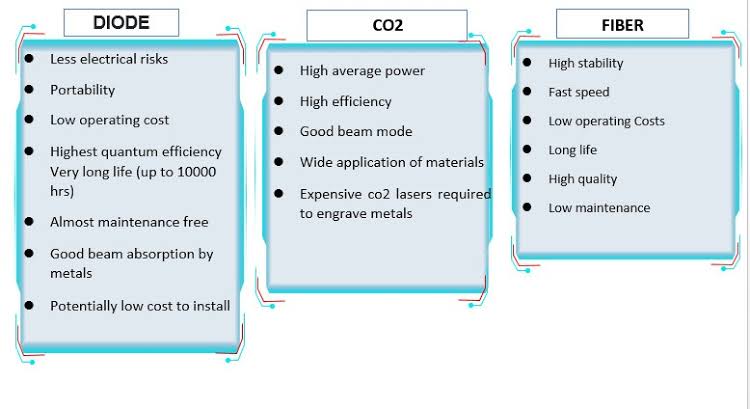
Picking the wrong machine can be an expensive mistake.
However, this guide explains Co2 vs Diode lasers and how they differ from Fiber lasers.
It covers how each type works, what they can and can’t do, and how to choose.
The At-a-Glance Comparison
If you’re in a hurry, here is the quick breakdown of how these three technologies stack up against each other:
| Feature | Diode Lasers | CO2 Lasers | Fiber Lasers |
| Common Power Range | 5W – 40W+ (Optical) | 40W – 150W+ | 20W – 100W+ |
| Wavelength | ~450 nm (Visible Blue) | 10,600 nm (Infrared) | 1,064 nm (Near-Infrared) |
| Primary Materials | Wood, dark acrylic, leather, cardboard | Wood, acrylic (all colors), glass, leather, paper | Metals (steel, aluminum, brass), opaque plastics |
| Can it cut? | Thinner woods & dark acrylics | Thick wood, acrylic, leather, paper | No (not typically at standard marking wattages) |
| Engraving Speed | Slow to Moderate | Fast | Extremely Fast |
| Typical Price Range | $200 – $1,500 | $1,000 – $8,000+ | $1,500 – $6,000+ |
| Best For | Hobbyists, crafters, small spaces | Small businesses, acrylic makers, custom signage | Industrial marking, metal jewelry, personalization |
1. Diode Lasers: The Budget-Friendly Entry Point
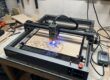
For many makers, a diode laser is their first introduction to laser engraving. These machines use semiconductor diodes (similar to the technology in LED lights) to produce a visible blue laser beam, typically around a 450 nm wavelength.
How Diode Lasers Work & What They Cost
Historically, diode lasers were very weak (1W to 5W). However, modern innovations have allowed manufacturers to bundle multiple laser diodes together, producing optical output powers of 20W, 40W, and even higher. Popular brands like xTool and Ortur have made these incredibly accessible, with entry-level machines starting under $300 and high-power enclosed systems ranging between $800 and $2,000.
Material Compatibility
- What they do well: Engraving wood, leather, dark cardstock, slate, and painted/coated canvas. High-power diodes (20W+) can also cut through plywood (up to 10-12mm) and dark acrylic.
- What they struggle with: Clear, blue, or transparent materials (the blue laser light passes straight through them). They cannot engrave or cut bare metals without special marking sprays like Cermark, which only create a surface bond rather than a true etch.
Pros & Cons of Diode Lasers
- Pros: Highly affordable, easy to maintain, modular, and perfect for small workshops or desks.
- Cons: Slower operating speeds compared to other technologies, poor performance on clear/translucent materials, and open-frame designs require extra investment in safety enclosures and exhaust systems.
2. CO2 Lasers: The Versatile Workhorse
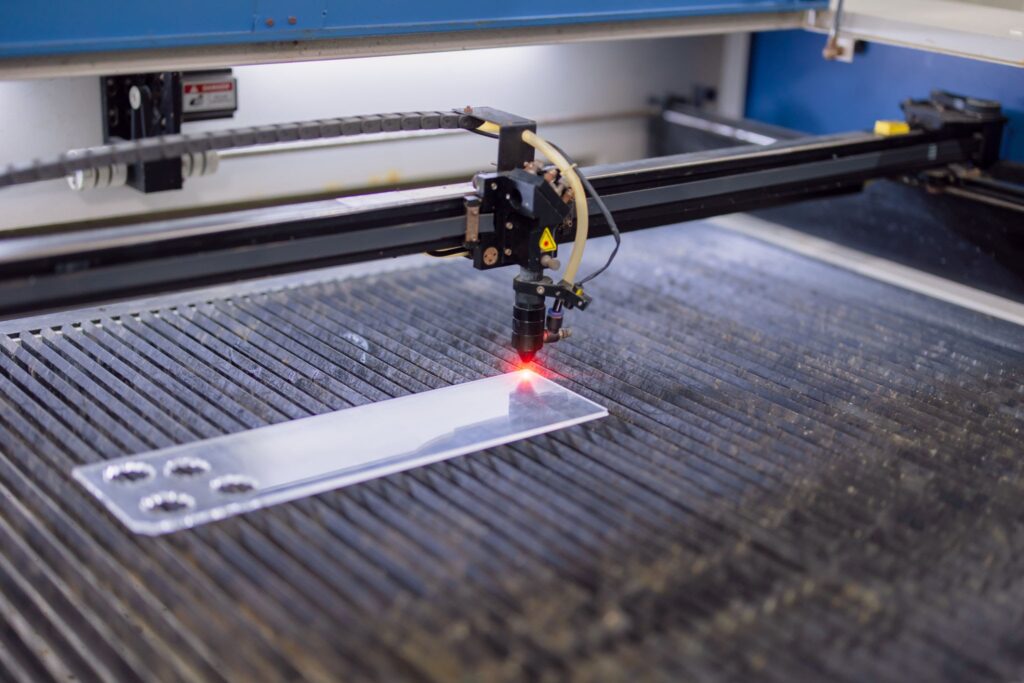
If your goal is to build a thriving laser craft business, a CO2 laser is often the optimal choice. These machines generate a laser beam by running electricity through a glass or metal tube filled with Carbon Dioxide (CO2) gas, producing an invisible infrared beam at roughly 10,600 nm.
Versatility and Capabilities
Because of its wavelength, CO2 laser light is highly absorbed by organic materials. That means CO2 lasers can easily cut and engrave natural woods, paper, cardboard, and most importantly, acrylic of any color—including clear, translucent, and mirror variants.
They also work brilliantly on glass, leather, stone, and fabric. However, like diode lasers, they cannot cut bare metal, though high-wattage systems can engrave treated or anodized metals.
Popular mid-range options include the desktop-friendly Glowforge and OMTech cabinet machines.
Pros & Cons of CO2 Lasers
- Pros: Fast engraving and cutting speeds; cuts a vast array of materials (especially acrylics); capable of cutting thick woods (up to 18mm+ with 100W+); large work areas.
- Cons: Considerably more expensive ($1,000 to $10,000+); large, heavy footprint; requires active water cooling (chillers) and significant ventilation; the glass laser tubes are consumable and will eventually need replacement.
3. Fiber Lasers: The Metal Master
Additionally, if your primary goal is to mark, etch, or engrave metals, forget diode and CO2 (Co2 vs Diode). You need a Fiber Laser.
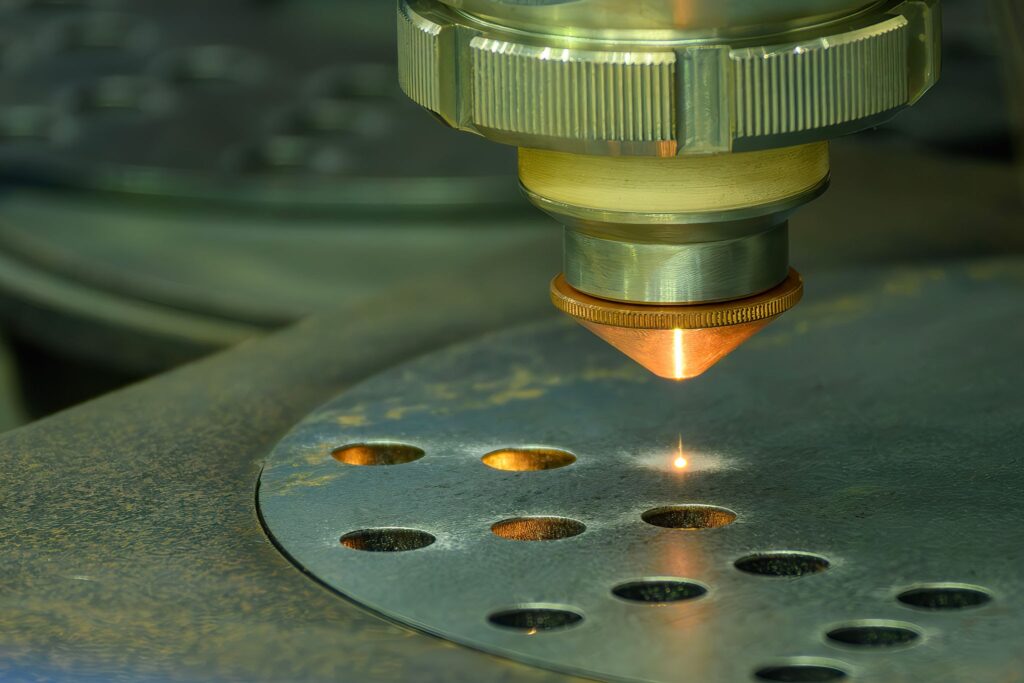
These systems use optical fiber cables doped with rare-earth elements (like ytterbium) to generate a high-intensity laser at around 1,064 nm.
Speed and Precision
Fiber lasers are exceptionally good at marking and etching reflective surfaces. The wavelength is absorbed almost perfectly by metals like steel, aluminum, brass, copper, gold, and silver. Because they use a galvo-driven mirror system instead of a heavy gantry, they are blindingly fast—often completing detailed engravings on a metal plate in seconds that would take a diode laser 20 minutes to finish.
Brands like Monport Laser and Cloudray have brought hobbyist and small-business-grade fiber markers into a relatively accessible price bracket ($1,500 to $4,000).
Pros & Cons of Fiber Lasers
- Pros: Unmatched speed; makes permanent, deep etches on nearly all metals; long laser lifespan (up to 100,000 hours); minimal maintenance.
- Cons: Very small working area (often 110mm to 300mm square); cannot cut or engrave wood, glass, or acrylic; expensive upfront cost; requires stringent eye safety due to the invisible and highly reflective 1,064nm beam.
Which One Do You Need?
To make your decision easier, see which category you fit into:
- Choose a Diode Laser if: You are a hobbyist, craft maker, or DIYer with a limited budget. If you mainly work with wood, leather, and dark craft materials and don’t mind slower speeds, a diode is the perfect starting point.
- Choose a CO2 Laser if: You want to run an Etsy shop, custom-produce acrylic signage, do heavy woodwork, or need to cut intricate patterns. If you need to cut thick organic materials quickly, the CO2 is your workhorse.
- Choose a Fiber Laser if: You run an industrial shop, specialize in custom jewelry, mark metal tools, or customize firearms. If your inventory is 90%+ metal or industrial plastics, nothing beats a fiber laser.
Whichever path you choose, make sure you invest in safety gear—especially certified laser safety glasses—and adequate ventilation to protect your eyes and lungs from fumes!