Ultimate Guide: Choosing Diode, CO2, or Fiber Lasers
If you want to begin laser engraving or cutting, you’ve likely realized there isn’t just one laser. Additionally,…


I’ve always been fascinated by the intersection of technology and artistry. My journey into the world of 3D printing and laser engraving began with a simple curiosity and quickly grew into a full-fledged passion. With years of hands-on experience, I’ve honed my skills in bringing intricate designs to life, whether it’s through the precision of 3D printing or the fine detail of laser engraving. I take pride in turning ideas into tangible creations, crafting everything from custom parts and prototypes to personalized gifts and unique art pieces.
My workshop is a place where imagination meets innovation, and I’m dedicated to pushing the boundaries of what’s possible with these incredible tools. Whether you’re a fellow enthusiast, a small business owner, or someone looking for that perfect custom piece, I’m here to help you bring your vision to life.
If you want to begin laser engraving or cutting, you’ve likely realized there isn’t just one laser. Additionally,…
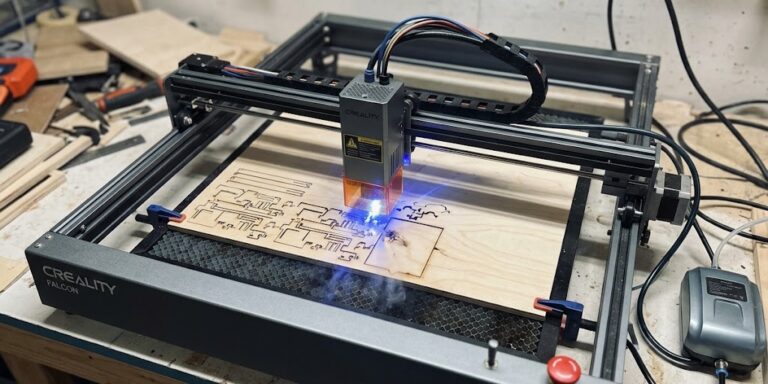
Why Is Cutting Plywood with a Laser So Unforgiving? If you’ve spent any time working with CO2 or…
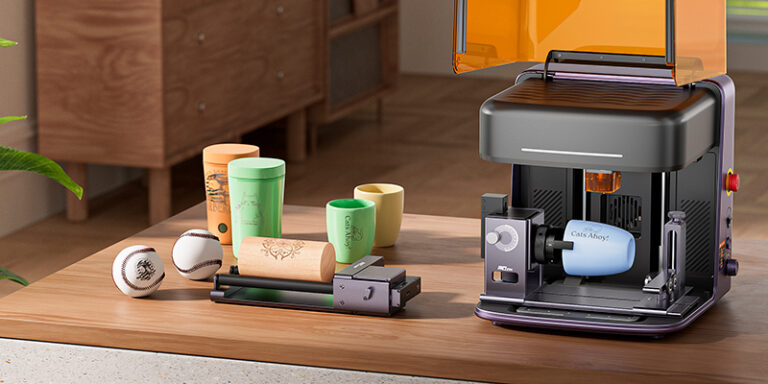
Creality Falcon A1C: Everything You Need to Know The laser engraving market continues to evolve, and Creality has…
The Future of 3D Printing Isn’t Sitting on Your Desk Anymore Something interesting has happened over the past…
If you’ve been involved in 3D printing for any length of time, you’ve probably noticed a pattern. Every…
The Future of 3D Printing Isn’t the Printer Anymore If you’ve been around the maker community for any…
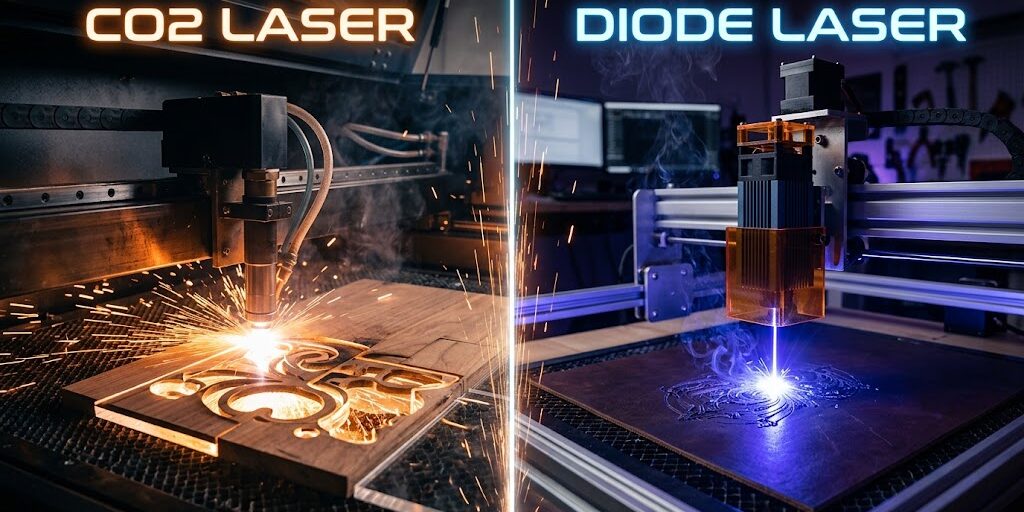
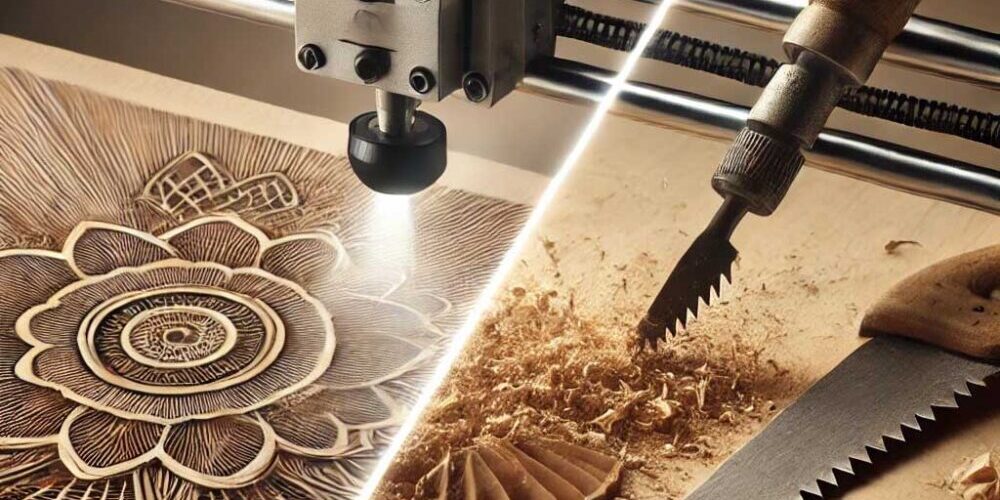
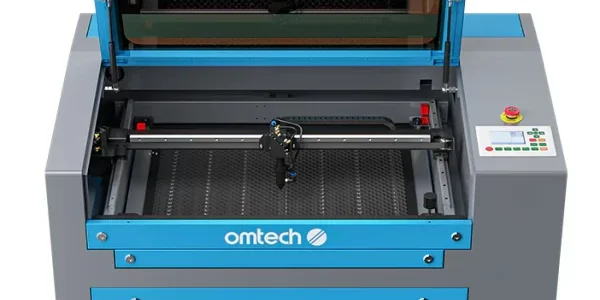
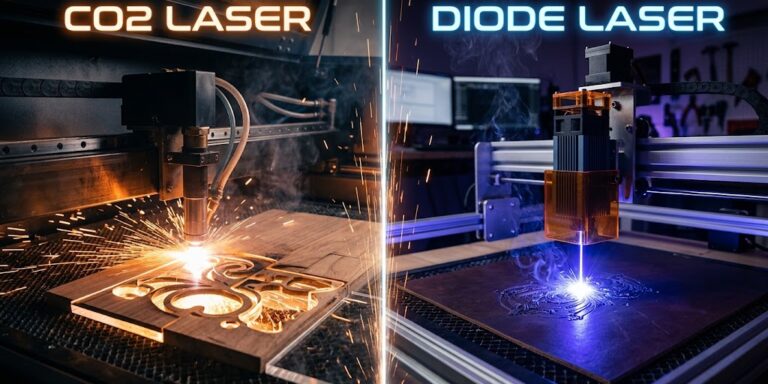
If you want to begin laser engraving or cutting, you’ve likely realized there isn’t just one laser. Additionally, as you browse communities like the Laser Engraving Subreddit or vendors, you will see three terms. Co2 vs Diode, Fiber, and CO2 appear in discussions, helping compare options. Each of these laser types uses an entirely different…
Why Is Cutting Plywood with a Laser So Unforgiving? If you’ve spent any time working with CO2 or diode lasers, you’ve likely encountered this scenario: you set up your laser cutter with the exact same power and speed settings that worked perfectly yesterday on a sheet of 1/8″ Baltic birch plywood, press Start, and walk…
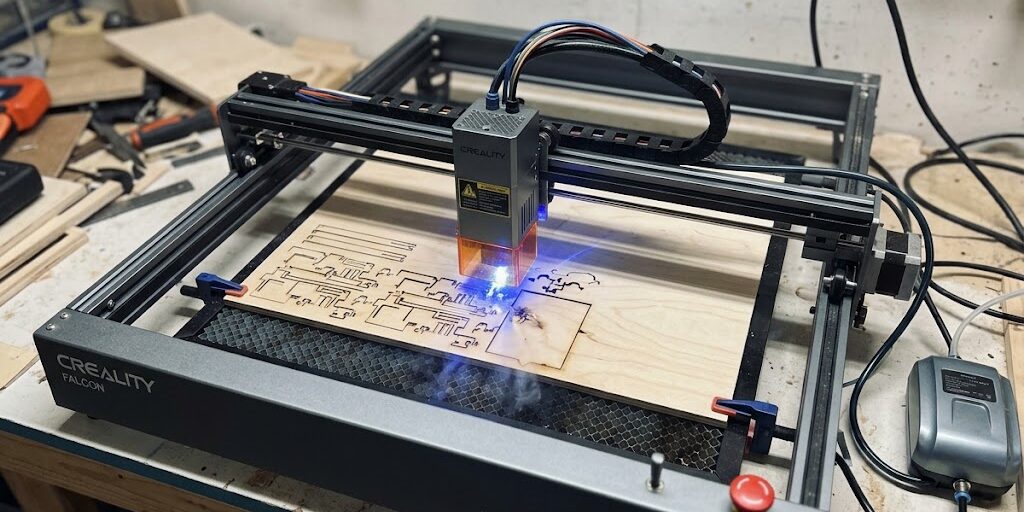
Creality Falcon A1C: Everything You Need to Know The laser engraving market continues to evolve, and Creality has officially unveiled the Falcon A1C, an all-new compact laser engraver designed specifically for beginners, hobbyists, home makers, and small businesses. With its enclosed Class 1 safety design, interchangeable laser modules, automatic focusing, and AI-assisted workflow, the A1C…
The Future of 3D Printing Isn’t Sitting on Your Desk Anymore Something interesting has happened over the past few years. Most people haven’t noticed it yet. They’re still comparing printer speeds. Still arguing about Benchy times. Still obsessing over maximum acceleration settings and input shaping graphs. And don’t get me wrong. That stuff matters. A…
If you’ve been involved in 3D printing for any length of time, you’ve probably noticed a pattern. Every year we’re promised something revolutionary. A faster printer. A bigger printer. A smarter printer. And honestly, sometimes it feels like the industry is stuck in an endless cycle of speed records and marketing buzzwords. But after reviewing…
The Future of 3D Printing Isn’t the Printer Anymore If you’ve been around the maker community for any length of time, you’ve probably noticed something interesting. The conversations are changing. A few years ago, every discussion revolved around printer specifications. How fast can it print? What’s the build volume? How many millimeters per second can…
If you’ve been deep into 3D printing and laser engraving long enough, you eventually notice something strange happening. The hobby slowly stops feeling like a hobby. At first, it’s simple. You buy a printer.You print random things.You learn slicer settings.You fight bed adhesion at 2 AM while questioning your life choices. Normal stuff. But then…
Discover the best materials for diode laser engraving, from wood and leather to acrylic and slate. Learn what works, what to avoid, and how to choose the right materials for clean results and profitable projects.
Discover the top 5 budget laser engravers for beginners, including affordable diode lasers for wood, leather, crafts, gifts, and hobby projects.
Air assist dramatically improves laser cutting quality by clearing smoke, reducing burn marks, and boosting cutting power. Learn how proper airflow delivers cleaner edges, safer operation, and faster cuts.
Discover what .3MF files are, their unique benefits for 3D printing, and how to easily create or obtain them. Enhance your printing workflow with this essential guide!
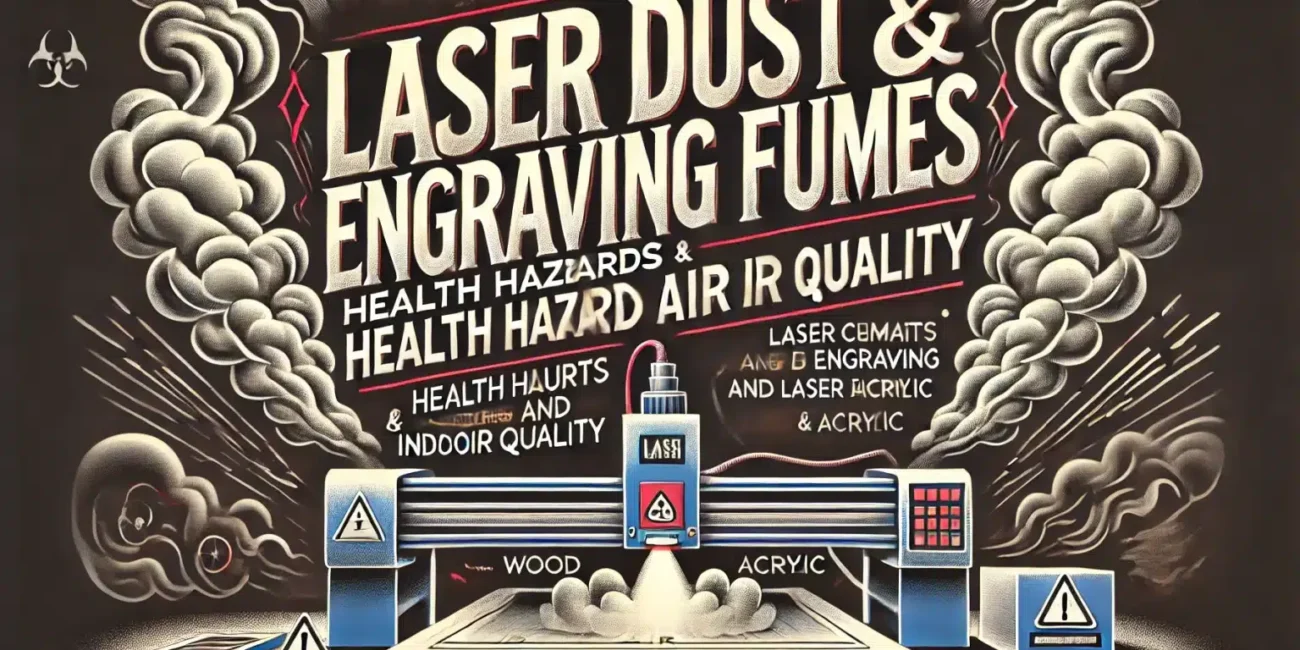
Health Risks of Laser Cutting Fumes
Laser cutting and engraving technologies are pivotal in various industries due to their precision and efficiency. However, these processes pose significant health risks due to the fumes released when a laser beam vaporizes materials. These fumes, known as laser dust or engraving fumes, can contain a mixture of volatile organic compounds (VOCs), particulate matter, and other hazardous substances.
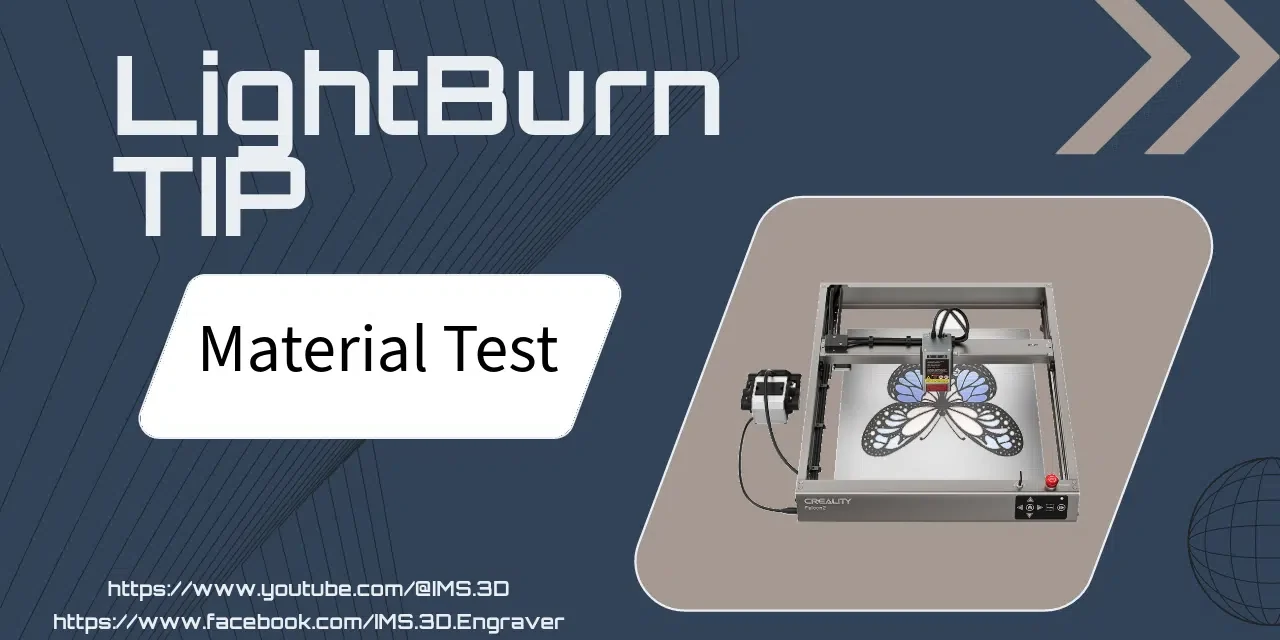
Learn how to conduct material tests in LightBurn to fine-tune your laser engraving projects. This guide walks you through adjusting speed and power settings, making it easy to achieve the best results.
Tired of keeping track of your laser cutting settings on paper? Learn how to use the library feature to store and organize power and speed settings for different materials. Here’s a simple guide to getting started.
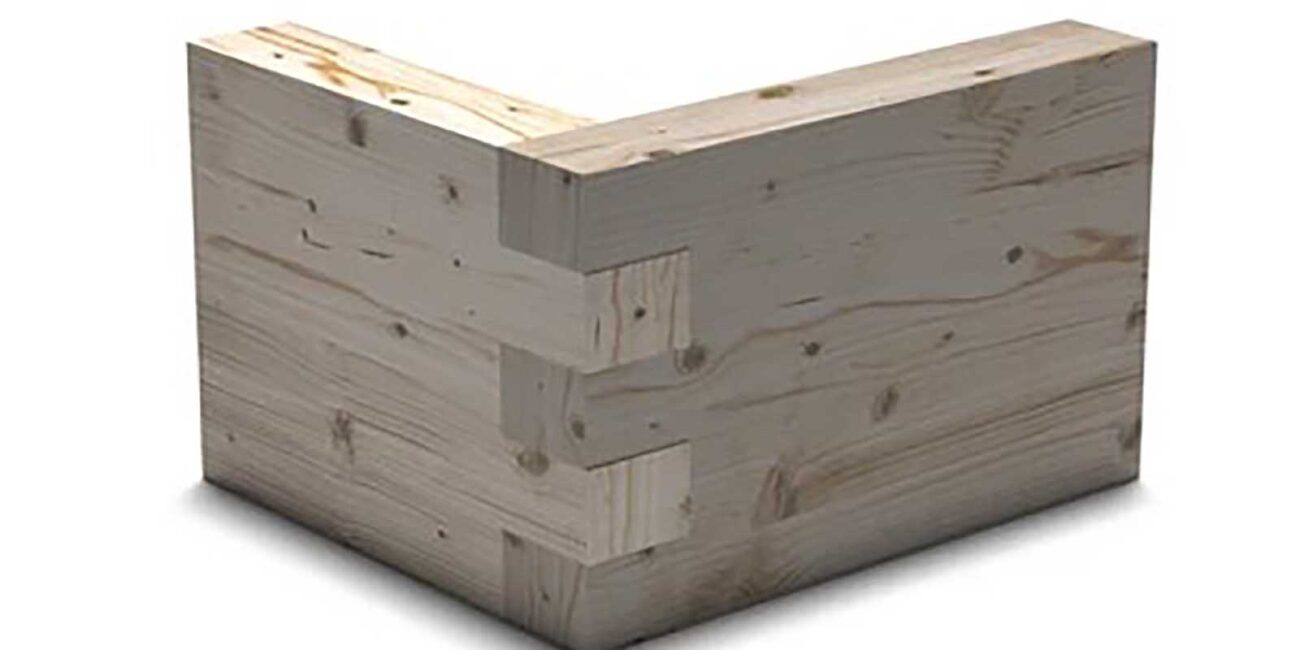
Want to resize finger joints in LightBurn for different material thicknesses? This guide by Ralph from IMS 3D covers an easy way to make adjustments using LightBurn’s Resize Slots tool. Save time and ensure perfect fits for all your laser-cut projects!
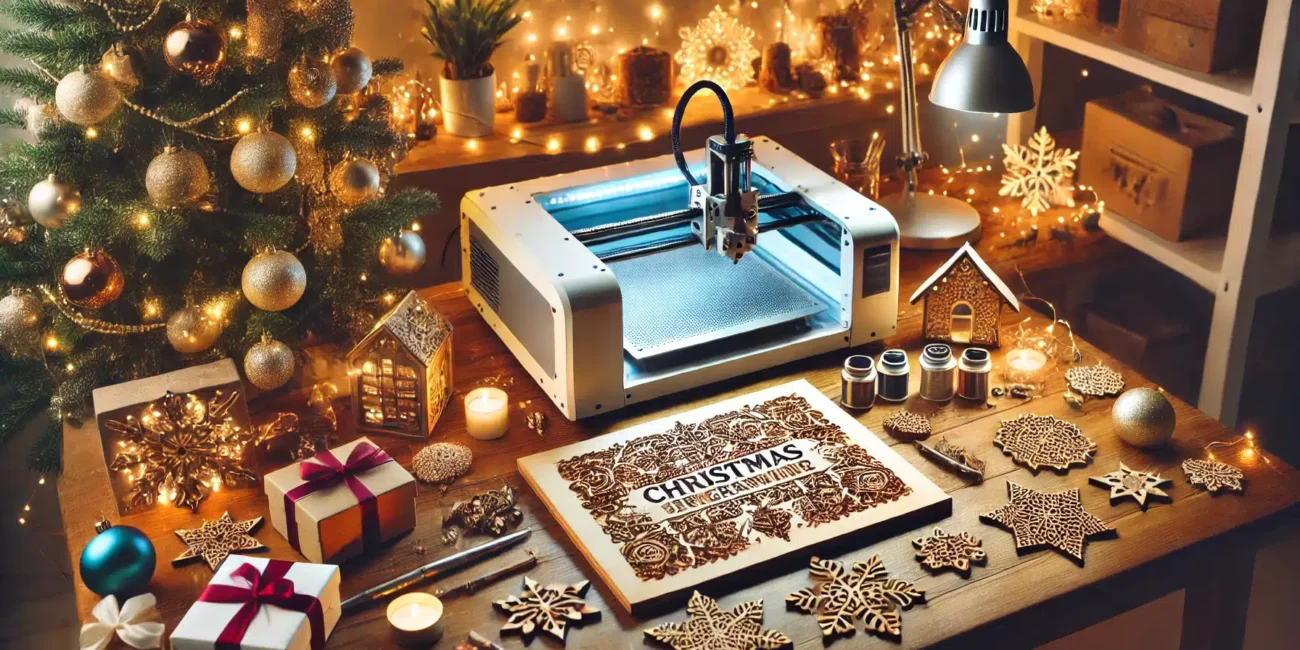
Add a touch of personalized holiday cheer with our comprehensive guide to Christmas-themed laser engraving projects. Learn how to create unique decorations and gifts, from designing festive ornaments to wrapping elegantly engraved presents. Dive into our step-by-step tutorials, expert tips, and creative ideas to make your holiday season truly special with bespoke laser-engraved crafts. Perfect for beginners and experienced engravers alike!
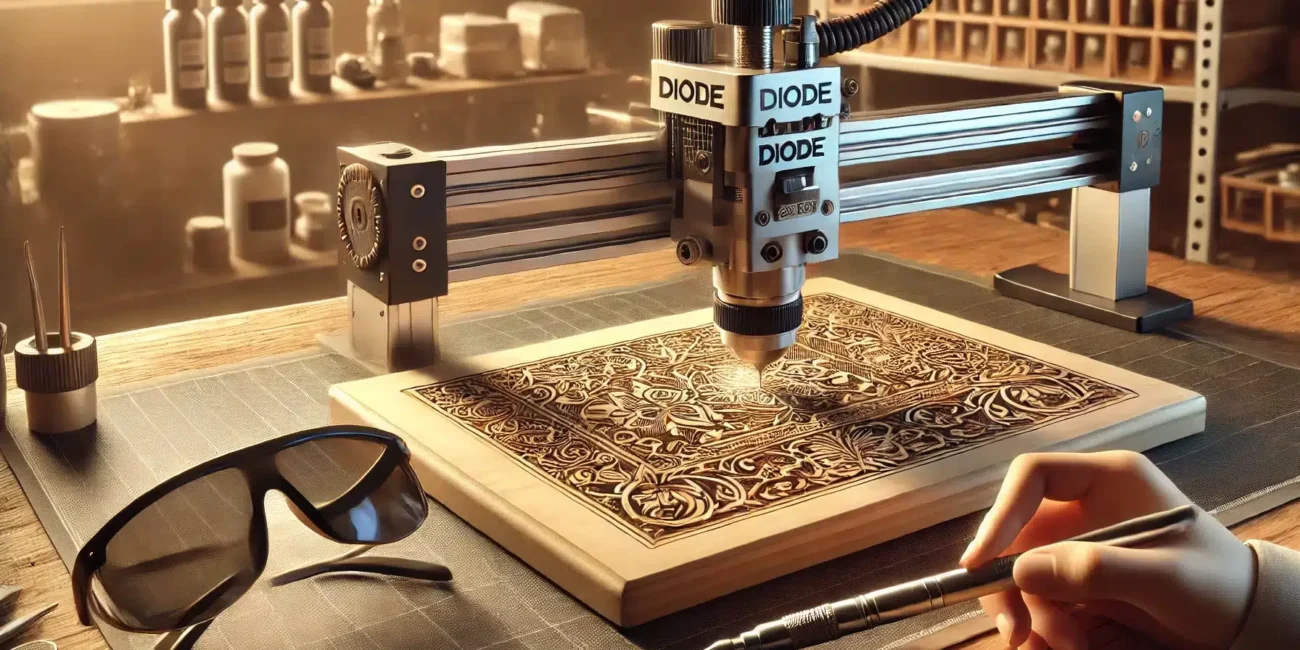
Explore the comprehensive guide to diode laser engraving on different materials. Learn about the essential techniques, safety precautions, and tips for engraving wood, metal, acrylic, and more to enhance your projects and achieve professional-quality results.
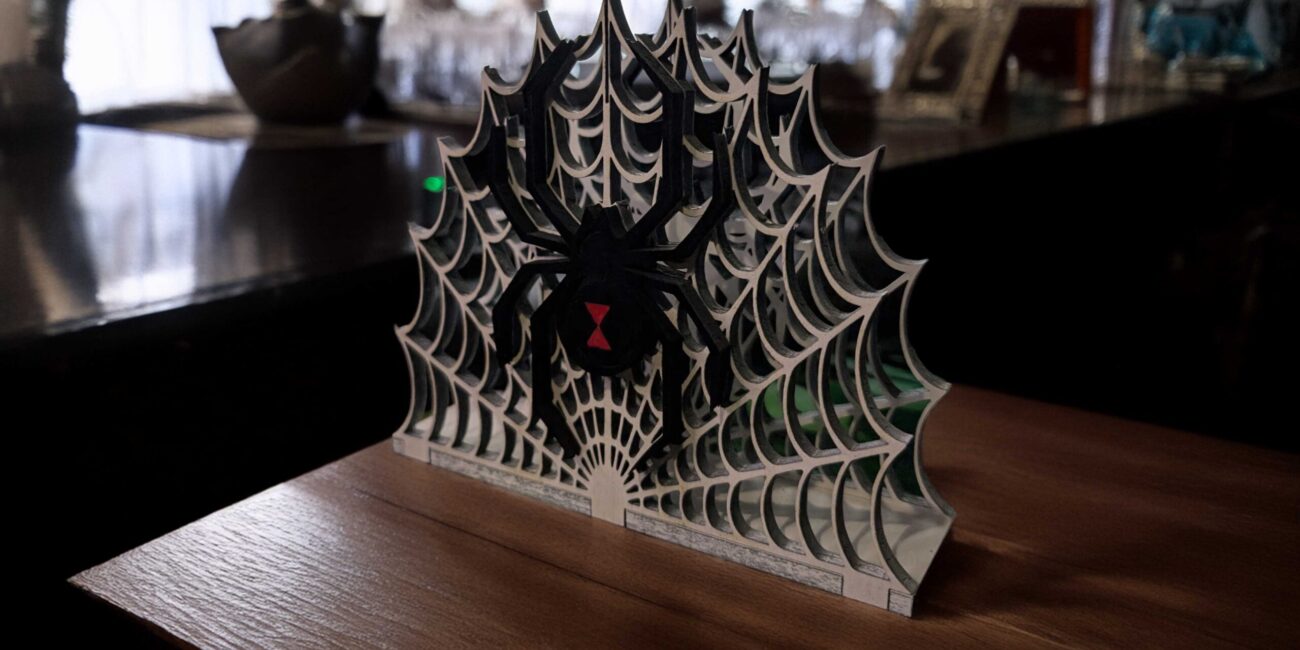
Discover how to create a striking spider web napkin holder with a black widow design! This detailed, beginner-friendly guide walks you through every step, from finding the web graphic to assembling finger joints. Ready to take your DIY skills to the next level?
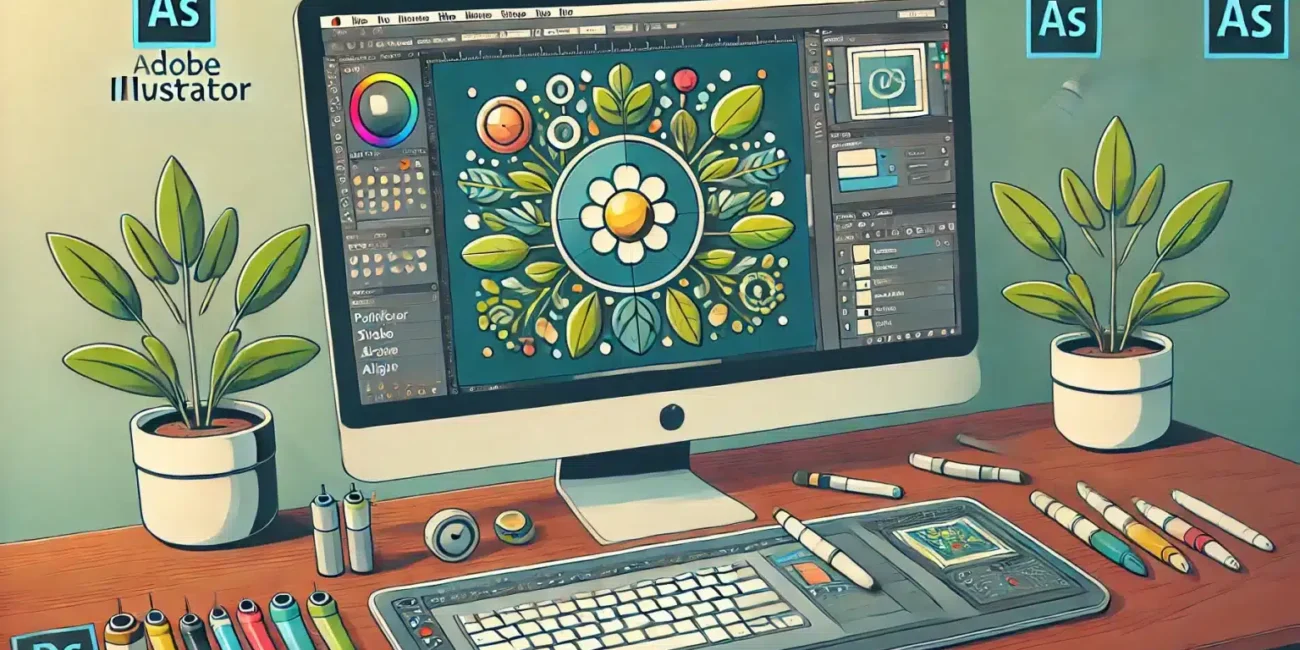
Unlock the full potential of Adobe Illustrator for laser cutting with our step-by-step guide. Learn to prepare your designs, optimize settings, and create precision cuts. Perfect for DIY enthusiasts and professionals alike.
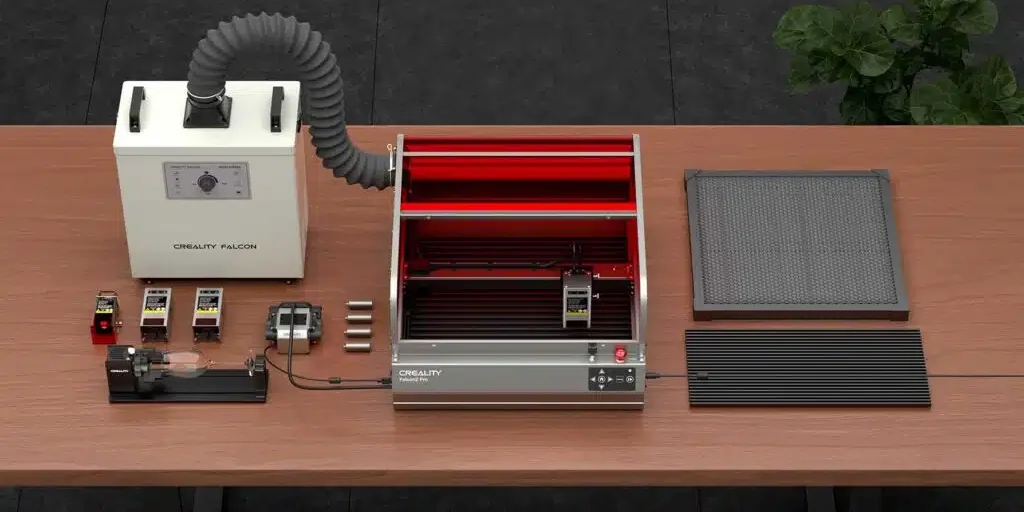
Thinking of getting the Creality Falcon2 Pro 22W Laser Engraver? Our detailed review covers unboxing, assembly, and initial test runs. See why this machine might be the next addition to your workshop!
Explore the transformative effects of borax on wood engraving, learn essential safety tips, and discover natural alternatives. This comprehensive guide covers everything from preparation to creative project ideas, ensuring your woodwork stands out with enhanced durability and aesthetics.
Discover how to optimize your 3D printing experience with Klipper firmware. Learn about its advanced control features, faster print speeds, and step-by-step installation process. Compare Klipper with Marlin, Duet, and other popular 3D printer firmware alternatives.
Dive into the world of diode laser engraving! This beginner’s guide covers everything from choosing the right tools and materials to mastering engraving techniques. Perfect for hobbyists and small business owners alike.
Discover the key differences between Klipper and Marlin firmware in our in-depth guide. From installation to performance and advanced features, find out which firmware best suits your 3D printing needs.
Dive into the fascinating world of ToyMakr3D’s STL files, specifically the Atomic Dragon and Mecha King Kong. Discover why these detailed designs are a must-have for 3D printing enthusiasts.
Discover the top 3D printing STL sites, including free platforms like Thingiverse and Printables, premium options like TurboSquid, and exclusive Patreon-based creators like Hex3D and STLflix. Get access to high-quality models for your 3D printing projects in 2024!
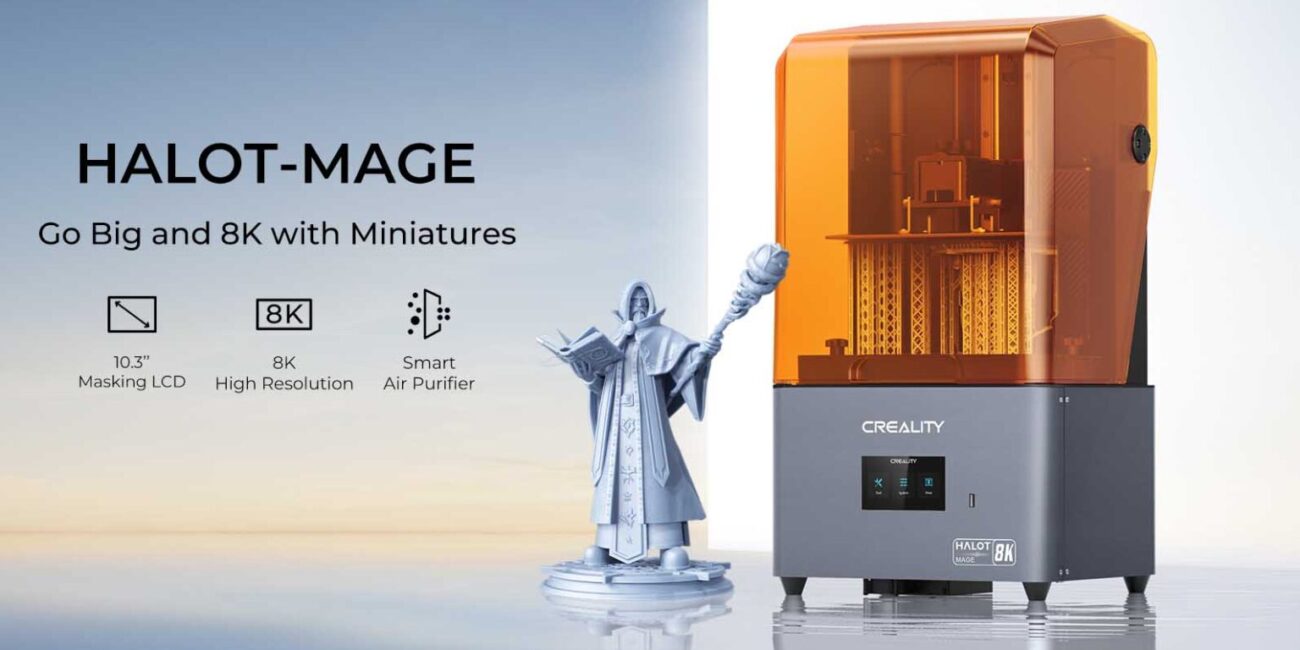
The Creality Halot Mage is more than just your average resin 3D printer—it’s a sophisticated, high-performance machine designed for precision, quality, and user convenience. In this review, we’ll break down what sets it apart, from its cutting-edge 8K LCD display to its built-in air purifier, making it an ideal choice for both hobbyists and professionals.
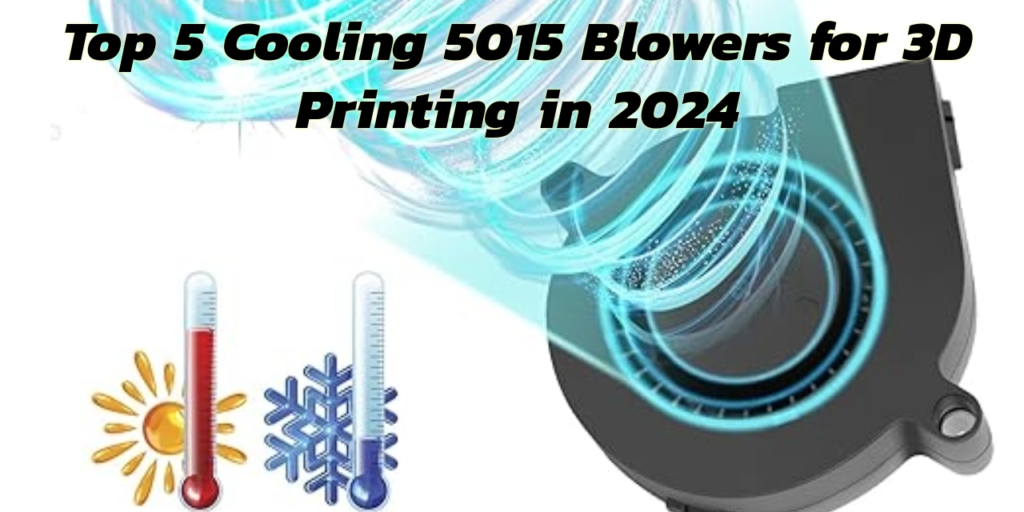
Looking to optimize your 3D printer’s cooling system? Check out the top 5 cooling 5015 blowers that provide the best balance of performance, price, and lifespan for superior 3D printing results.
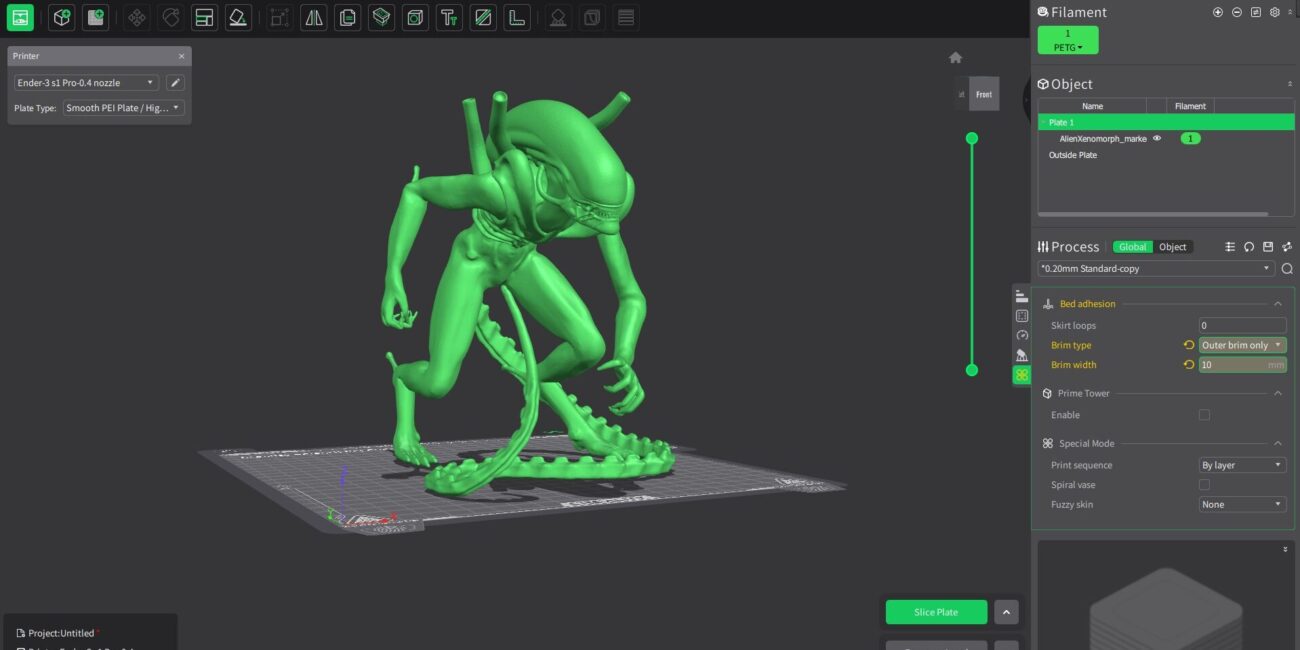
Creality Print is more than just another slicing software—it’s a powerful, all-in-one 3D printing hub designed to enhance your workflow, optimize print quality, and provide a seamless experience from model download to the final print. Whether you’re a beginner or a seasoned maker, Creality Print has the tools and features you need to succeed.
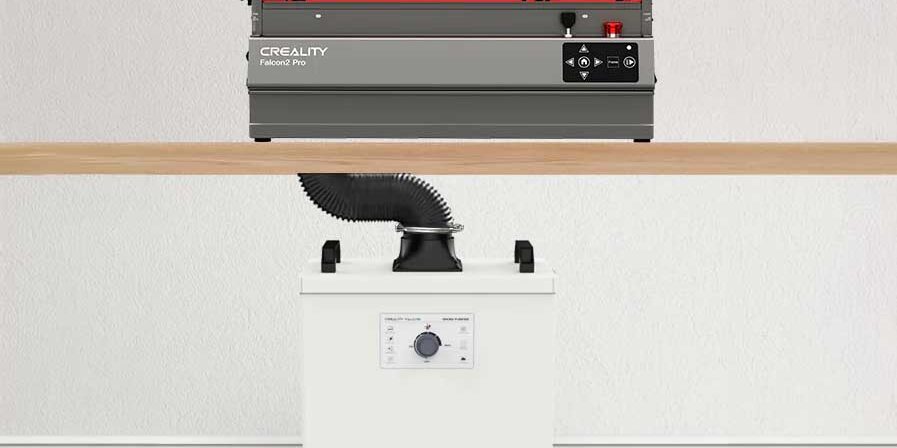
The Creality Falcon Smoke Purifier YW200 is a compact, efficient solution for removing harmful fumes from laser engraving and 3D printing. With its powerful multi-layer filtration system and easy setup, it ensures a cleaner, safer workspace for small to medium-sized operations. This review covers its performance, pros, cons, and alternatives to help you decide if it’s the right purifier for you.
Discover the best 3D slicer software to enhance your 3D printing workflow. From free tools like PrusaSlicer and Ultimaker Cura to advanced paid options like Simplify3D, this guide covers the top slicers for FDM and resin printing. Learn how to optimize print quality, reduce errors, and choose the right software for your specific 3D printer and project needs
Curious about 3D printing but not sure where to start? This beginner’s guide breaks down the essentials, from understanding the basic terminology to choosing the right printer and materials. Learn how to set up your first 3D printer and get tips for a successful first print. Whether you’re a hobbyist or looking to explore the potential of 3D printing for your business, this guide will help you kickstart your journey with confidence.
Discover the power of the Creality Falcon 2 Pro 40W laser engraver and cutter. Learn about its advanced features, versatile applications, and why it’s the perfect tool for both hobbyists and professionals.
In the world of 3D printing, the filament you choose is as crucial as the design itself. Each filament—whether it’s PLA for its ease of use, ABS for its strength, PETG for its balanced properties, TPU for flexibility, or Nylon for its toughness—offers distinct advantages that can make or break your project.
For those pushing the boundaries of innovation, specialty filaments like wood, metal, and carbon fibre composites unlock new possibilities, allowing you to create prints that not only meet but exceed the demands of both function and aesthetics.
However, with this versatility comes responsibility. Understanding the nuanced behaviours of these materials—how they interact with your printer settings, the environmental conditions they require, and the post-processing techniques they support—is key to mastering 3D printing.
As you advance in your 3D printing journey, remember that the right filament choice is more than just a material decision; it’s a strategic step toward achieving professional-grade results. By leveraging the strengths of each filament and mitigating their weaknesses, you can ensure your prints are not only visually stunning but also mechanically sound and fit for purpose.
Whether you’re prototyping the next big innovation or crafting a custom piece, the knowledge of your materials will empower you to make informed choices, optimise your process, and ultimately, bring your most ambitious designs to life.
Unlock the full potential of your laser engraver by exploring the art of paper engraving. This guide walks you through everything from selecting the right equipment to mastering techniques that will elevate your creative projects. Whether you’re crafting intricate invitations, unique home décor, or custom business materials, discover how laser engraving on paper can transform simple designs into stunning works of art.
Laser engraving and traditional cutting methods represent two distinct approaches to material processing, each with unique strengths and applications. Laser engraving employs a focused beam of light to precisely engrave intricate designs onto various materials, such as wood, metal, and acrylic. This method is renowned for its high precision, no-contact operation, and ability to handle delicate, detailed work with ease. It is particularly suited for industries requiring customization, such as electronics, jewelry, and signage.
Curious about how CO2 lasers can cut through wood, engrave glass, or even perform delicate surgeries? CO2 lasers are a versatile tool used in various industries for their precision and power. In this guide, we’ll break down exactly what a CO2 laser is, how it works, and why it might be the perfect solution for your next project. Whether you’re in manufacturing, medicine, or the creative arts, understanding CO2 lasers can open up a world of possibilities.
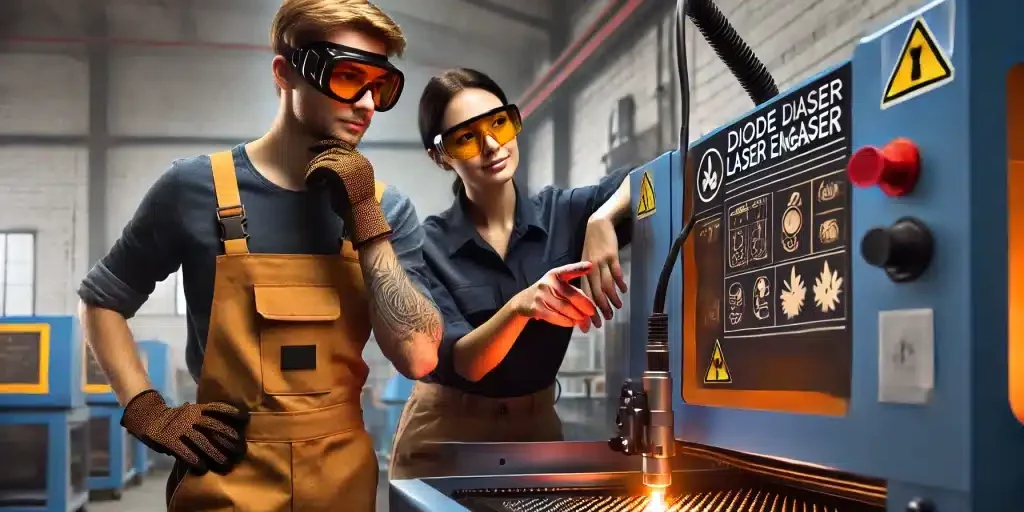
Safety is paramount when operating a laser cutter. In this post, we cover essential safety tips, from wearing protective gear to maintaining proper ventilation, ensuring you can enjoy your laser cutting projects with peace of mind. Follow these guidelines and explore our recommended safety resources to keep your workspace safe and efficient.
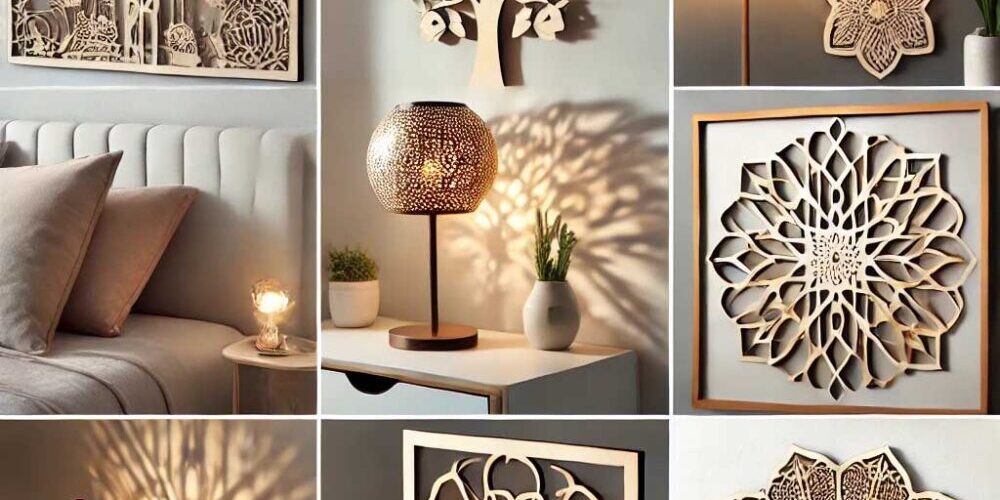
Looking to add a personal touch to your home decor? Discover the top 10 laser cutting projects that can transform your space! From custom wall art and personalized coasters to unique lamps and intricate room dividers, these creative ideas offer endless possibilities for enhancing your home’s style. Dive into each project with tips on materials, customization ideas, and inspiration from stunning examples. Whether you’re a seasoned laser cutting enthusiast or just getting started, these projects will spark your creativity and help you craft beautiful, functional decor.
The Material Test Generator in LightBurn is a powerful tool designed to help users optimize laser settings for various materials. By creating a grid of test patterns with adjustable parameters like power, speed, interval, and passes, users can pinpoint the ideal settings for engraving or cutting. The tool offers extensive customization, including configuring the test pattern, adjusting the output location, and modifying text labels and borders. With options to preview, frame, and control the test, as well as save, export, and import presets, the Material Test Generator simplifies the process of finding the best laser settings for different materials and applications.
Discover the art of creating unique, personalized gifts with laser cutting. From custom keychains to intricate jewelry boxes, explore creative ideas that make your presents truly special. With the help of tools like Boxes.py, you can design and craft one-of-a-kind gifts that are sure to impress.
Unlock the full potential of your laser cutting projects by mastering precision using custom-designed jigs for your laser cutting projects. In this post, we explore how jigs can dramatically improve precision, efficiency, and consistency, ensuring every cut is perfect. Learn key tips for designing your own jigs and take your laser cutting to the next level.
Unlock the potential of your laser engraver with Norton White Tile (NWT). Known for its durability and smooth surface, NWT is perfect for creating crisp, high-contrast engravings. To get started, ensure your design is ready for engraving. Clean the tile surface thoroughly to remove any dust or debris. Adjust your laser settings for optimal results—typically lower power and slower speeds work best to achieve detailed engravings without damaging the tile. Once engraved, the design can be left as is or enhanced with paint or other finishing touches to make your project stand out. Whether you’re creating personalized gifts or decorative pieces, Norton White Tile offers the perfect canvas for your creative projects.